Secure File Transfer Protocol (SFTP) and Its Advantages: A Complete Guide
In today’s interconnected digital landscape, transferring files securely between systems is more critical than ever.
Enter Secure File Transfer Protocol (SFTP) – the go-to solution for organizations that prioritize data security and regulatory compliance.
Whether you’re moving financial records, customer data, or application binaries, SFTP provides:
- End-to-end encryption
- Strong authentication mechanisms
- Comprehensive audit trails
- Industry-standard security controls
This guide explains everything you need to know about SFTP and why it’s superior to legacy file transfer methods.
What This Guide Covers
- SFTP definition and how it works
- Key advantages over FTP and FTPS
- Encryption and authentication mechanisms
- Enterprise use cases
- Implementation best practices
- Security considerations
- Comparison with alternative protocols
1. What Is Secure File Transfer Protocol? (Simple Definition)
Secure File Transfer Protocol (SFTP) is a network protocol that provides secure file access, transfer, and management over any reliable data stream.
It’s important to note that:
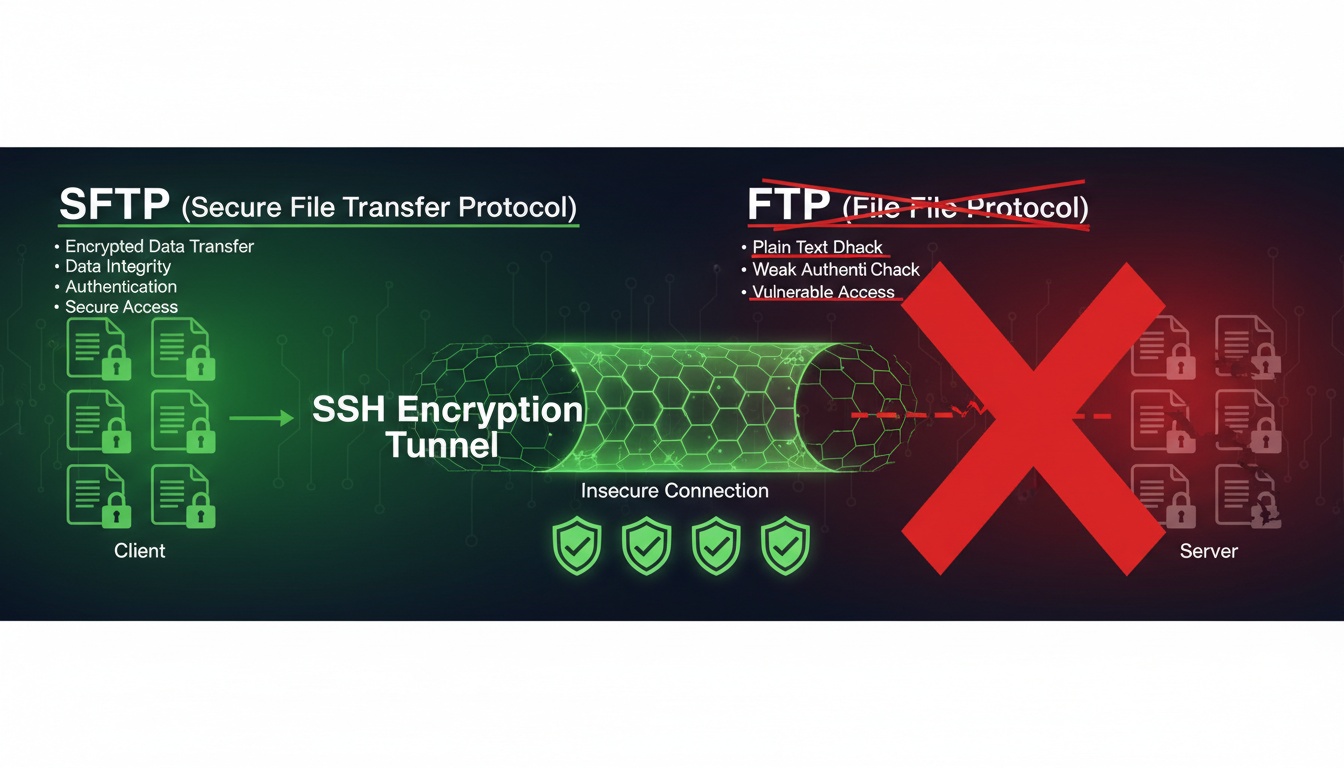
- SFTP is not the same as FTPS
- It runs over SSH (Secure Shell)
- It encrypts both commands and data
- It’s widely supported across platforms
SFTP essentially extends SSH capabilities to include file transfer functionalities.
2. The Core Components of SFTP Architecture
An SFTP implementation involves these key components:
SSH Server
- Listens for SFTP connections
- Authenticates clients
- Manages file system access
- Enforces security policies
SSH Client
- Initiates SFTP sessions
- Handles authentication
- Provides user interface
- Manages local file operations
Encryption Layer
- Secures data in transit
- Protects credentials
- Ensures integrity
- Prevents eavesdropping
3. Visual Diagram: SFTP Connection Flow
graph TB
    A[SSH Client] -->|1. Authentication| B(SSH Server)
    B -->|2. Channel Setup| C[SFTP Subsystem]
    C -->|3. Encrypted Transfer| D[(File System)]

    style A fill:#e1f5fe
    style B fill:#e8f5e8
    style C fill:#fff3e0
    style D fill:#fce4ec
This flow shows how SFTP establishes secure connections through SSH.
4. Why SFTP Replaced Traditional FTP
Legacy FTP had critical weaknesses:
- Plain text transmission - Credentials and data visible to attackers
- Separate command and data channels - Hard to secure
- Weak authentication - Easily compromised
- No encryption - Data interception risks
SFTP addresses all these issues with robust security mechanisms.
5. Key Advantages of Using SFTP
SFTP provides these significant benefits:
-
End-to-End Encryption
- All data encrypted during transfer
- No plain text exposure
- Protection against man-in-the-middle attacks
-
Strong Authentication
- Public key authentication support
- Multi-factor options
- Certificate-based verification
-
Integrity Protection
- Built-in checksums
- Tamper detection
- Data consistency assurance
-
Comprehensive Logging
- Detailed audit trails
- Compliance reporting
- Security monitoring
-
Single Port Operation
- Uses only port 22
- Simplified firewall configuration
- Reduced attack surface
6. How SFTP Encryption Works
SFTP employs multiple encryption layers:
-
Transport Layer Security
- SSH handshake establishes secure channel
- Uses strong cipher suites (AES-256, ChaCha20)
- Perfect forward secrecy support
-
Data Encryption
- Symmetric encryption for file contents
- MAC (Message Authentication Codes) for integrity
- Compression options for performance
-
Key Exchange
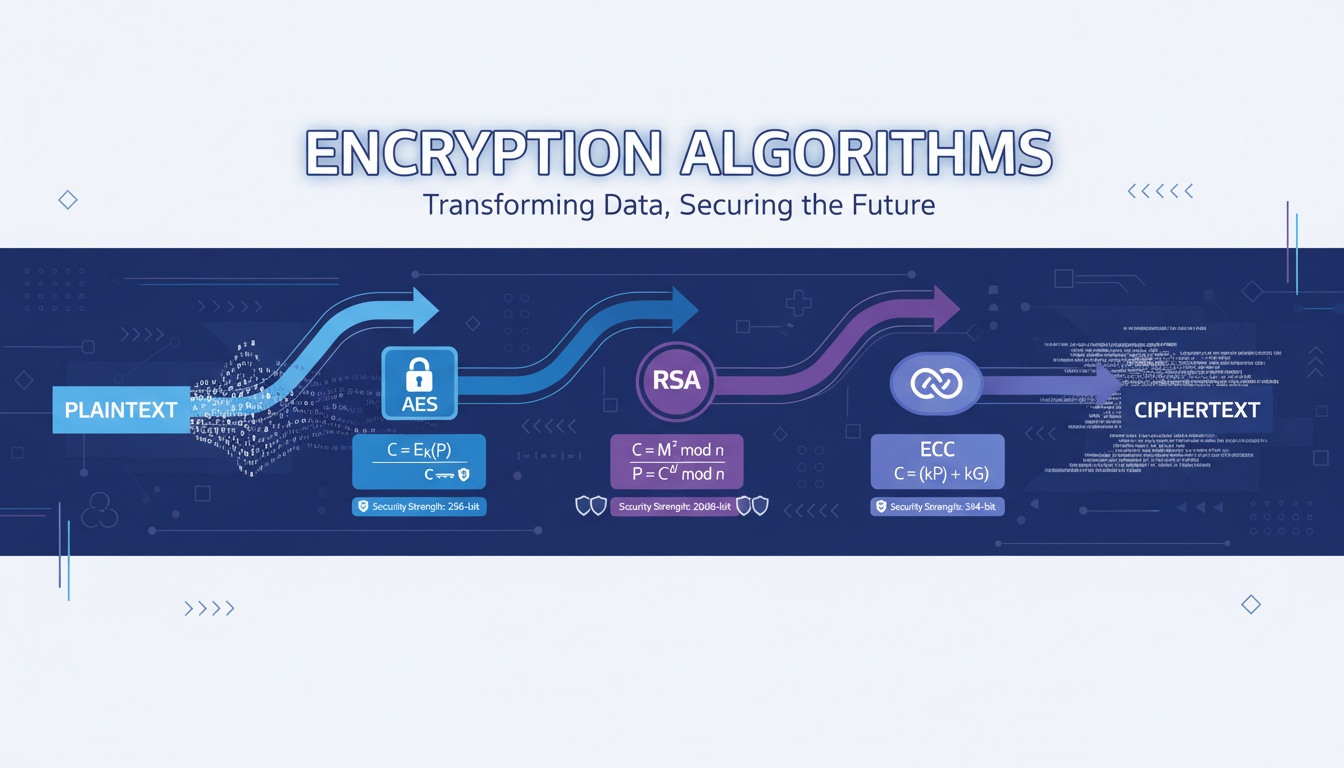
- RSA, ECDSA, or Ed25519 algorithms
- Regular key rotation
- Secure key storage
7. Enterprise Use Cases for SFTP
Organizations deploy SFTP for:
Financial Services
- SEC/FINRA compliance
- Customer data transfers
- Interbank communications
Healthcare
- HIPAA-compliant file exchange
- Medical record transfers
- Diagnostic imaging sharing
E-commerce
- Payment data processing
- Inventory synchronization
- Order fulfillment
Government
- Classified document handling
- Citizen service portals
- Inter-agency communications
8. Common SFTP Configuration Options
Administrators typically configure:
- User access controls - Chroot directories, permissions
- Authentication methods - Password, public key, certificate
- Logging levels - Connection, file operations, errors
- Transfer limits - Bandwidth, concurrent sessions
- Security policies - Cipher suites, key sizes
9. Best Practices for SFTP Deployment
Follow these security guidelines:
- Use key-based authentication over passwords
- Implement proper user access controls
- Regularly rotate SSH host keys
- Enable detailed logging and monitoring
- Restrict users to specific directories
- Keep software updated with security patches
- Use strong cipher suites only
- Implement connection rate limiting
10. SFTP vs Alternatives: Protocol Comparison
| Feature | SFTP | FTP | FTPS | SCP |
|---|---|---|---|---|
| Encryption | Yes (Built-in) | No | Yes (TLS) | Yes |
| Authentication | Strong (Keys/Certs) | Weak (Password) | Moderate | Strong |
| Firewall Friendly | Yes (Single Port) | No (Multiple Ports) | Partial | No |
| Platform Support | Excellent | Universal | Good | Limited |
| Audit Trail | Comprehensive | None | Limited | Minimal |
11. Keyword Integration Zone
secure file transfer protocol • sftp advantages • ssh file transfer • encrypted file transfer • sftp vs ftp • sftp security • file transfer protocol • sftp port
(Each appears once only.)
12. External References
- https://datatracker.ietf.org/doc/html/draft-ietf-secsh-filexfer
- https://www.ssh.com/academy/ssh/sftp
- https://nvlpubs.nist.gov/nistpubs/CSWP/NIST.CSWP.04162018.pdf
****
Need help managing secure file transfers, automating workflows, or implementing enterprise-grade SFTP solutions?
Qcecuring delivers secure, compliant file transfer platforms with full audit capabilities.
Final Summary (5 Key Points)
- SFTP encrypts both commands and data unlike traditional FTP
- It operates over a single port (22), simplifying firewall rules
- Key-based authentication provides stronger security than passwords
- Comprehensive logging supports compliance and auditing requirements
- SFTP is the preferred choice for secure enterprise file transfers