SSH Authentication Methods
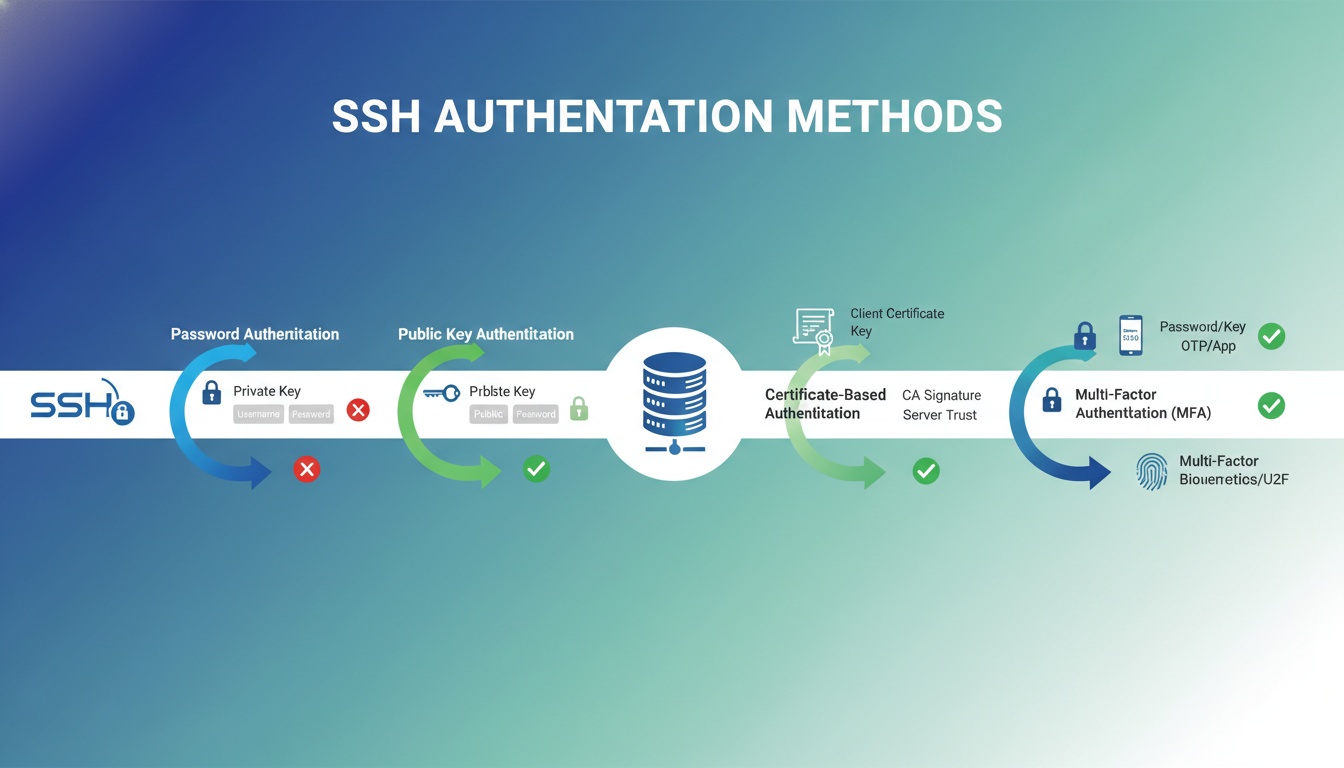
SSH (Secure Shell) supports multiple authentication methods, each with different security characteristics and use cases. Understanding these methods helps organizations implement secure and appropriate authentication for their environments.
Overview of SSH Authentication
SSH authentication determines how users prove their identity when connecting to remote systems. The choice of authentication method impacts security, usability, and operational complexity.
Common SSH Authentication Methods
1. Password Authentication
The simplest form of SSH authentication where users provide a username and password.
How it works:
- User connects to SSH server
- Server prompts for password
- Password is encrypted and sent to server
- Server verifies password against stored credentials
Advantages:
- Simple to implement and use
- No key management required
- Easy to change credentials
Disadvantages:
- Vulnerable to brute force attacks
- Passwords can be weak or reused
- No protection against keyloggers
- Difficult to audit and track
Security Recommendations:
- Use strong password policies
- Implement rate limiting
- Enable two-factor authentication
- Consider disabling for high-security environments
2. Public Key Authentication
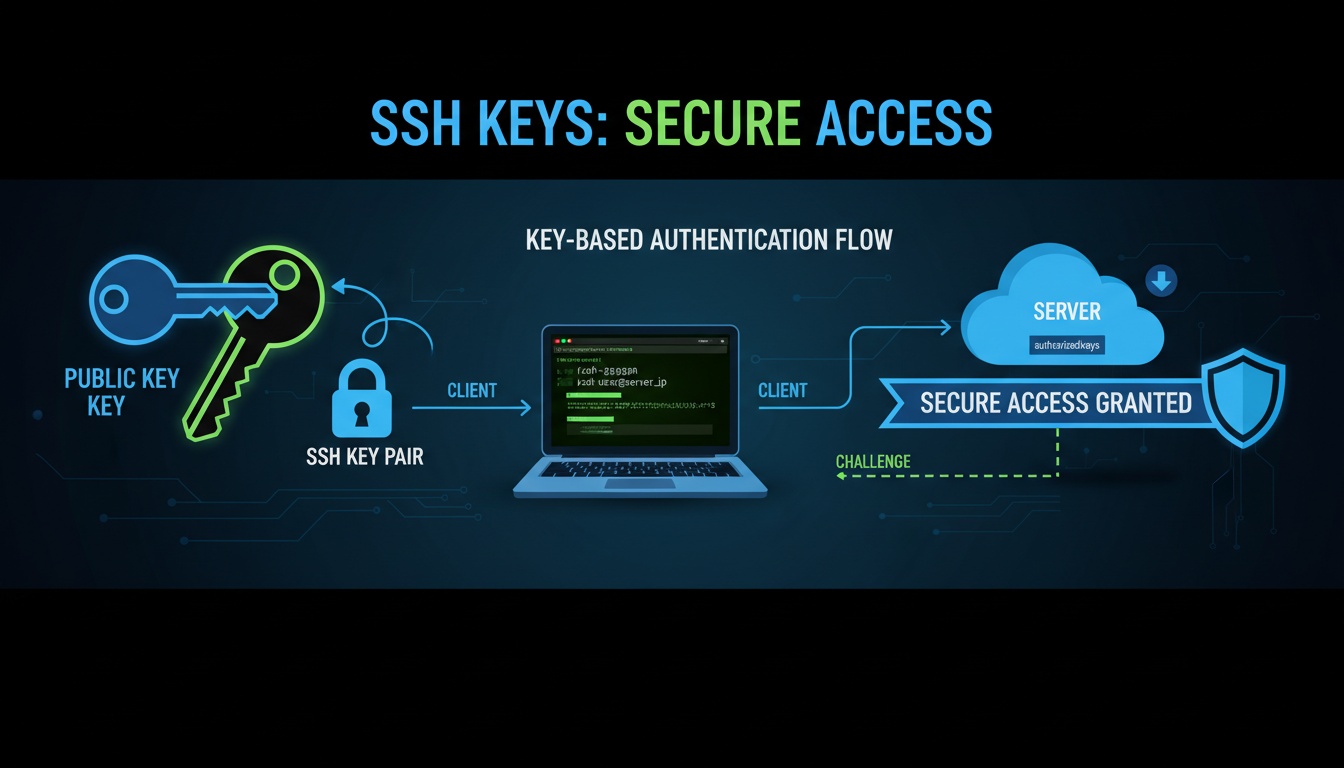
The most common and secure SSH authentication method, using cryptographic key pairs.
How it works:
- User generates public-private key pair
- Public key is added to server’s authorized_keys file
- Private key remains on user’s machine
- SSH uses cryptographic challenge-response to verify identity
Advantages:
- Strong cryptographic security
- Resistant to brute force attacks
- Supports passphrase protection
- Enables automated and scripted access
- Better audit trail
Disadvantages:
- Requires key management
- Private keys must be protected
- Key distribution can be complex
- Lost keys require re-provisioning
Best Practices:
- Use strong key types (Ed25519 or RSA 4096-bit)
- Protect private keys with passphrases
- Implement key rotation policies
- Use centralized key management
3. Certificate-Based Authentication
Uses X.509 certificates signed by a Certificate Authority (CA) for authentication.
How it works:
- CA issues SSH user certificates
- Certificates contain user identity and permissions
- Server trusts the CA and validates certificates
- Certificates can include restrictions (hosts, commands, validity)
Advantages:
- Centralized key management
- Automatic expiration and renewal
- Fine-grained access control
- Easier revocation
- Scalable for large organizations
Disadvantages:
- Requires CA infrastructure
- More complex setup
- Certificate management overhead
- Learning curve for administrators
Use Cases:
- Large enterprise environments
- Automated systems and CI/CD
- Temporary access requirements
- Compliance-driven environments
4. Host-Based Authentication
Allows authentication based on the client host’s identity.
How it works:
- Client host has a key pair
- Server trusts the client host’s public key
- Users from trusted hosts are automatically authenticated
- Requires host key verification
Advantages:
- Convenient for trusted networks
- Reduces per-user key management
- Suitable for internal networks
Disadvantages:
- Less secure (host compromise affects all users)
- Not suitable for untrusted networks
- Difficult to audit individual access
- Generally not recommended
Security Considerations:
- Only use in highly trusted environments
- Implement additional security controls
- Regular security assessments
- Consider alternatives for production
5. Keyboard-Interactive Authentication
Flexible authentication method that can support various challenge-response mechanisms.
How it works:
- Server sends authentication challenges
- Client responds with answers
- Can support multiple factors
- Customizable challenge sequences
Advantages:
- Flexible authentication flows
- Supports multi-factor authentication
- Can integrate with external systems
- Customizable security policies
Disadvantages:
- More complex to implement
- Requires custom development
- May not work with all SSH clients
- Additional infrastructure needed
Use Cases:
- Multi-factor authentication requirements
- Integration with identity providers
- Custom authentication workflows
- Compliance requirements
6. GSSAPI Authentication
Uses Generic Security Services API for authentication, often with Kerberos.
How it works:
- Integrates with existing authentication systems
- Uses Kerberos or other GSSAPI mechanisms
- Single sign-on capabilities
- Enterprise directory integration
Advantages:
- Integrates with existing infrastructure
- Single sign-on experience
- Centralized user management
- Enterprise-grade security
Disadvantages:
- Requires supporting infrastructure
- Complex setup and configuration
- May not work in all environments
- Additional dependencies
Multi-Factor Authentication (MFA)
Combining multiple authentication methods for enhanced security:
Common MFA Combinations
- Password + Public Key: Password as backup to key authentication
- Public Key + TOTP: Key authentication with time-based one-time passwords
- Certificate + Hardware Token: Certificate authentication with hardware tokens
Benefits
- Defense in depth
- Reduced risk of compromise
- Compliance with security policies
- Protection against credential theft
Authentication Method Comparison
| Method | Security | Usability | Scalability | Management |
|---|---|---|---|---|
| Password | Low | High | Medium | Easy |
| Public Key | High | Medium | High | Medium |
| Certificate | Very High | Medium | Very High | Complex |
| Host-Based | Low | High | Medium | Easy |
| GSSAPI | High | High | High | Complex |
Best Practices
1. Use Strong Authentication Methods
- Prefer public key or certificate authentication
- Avoid password-only authentication in production
- Implement MFA for sensitive systems
2. Protect Private Keys
- Use passphrase-protected keys
- Store keys securely
- Implement key rotation policies
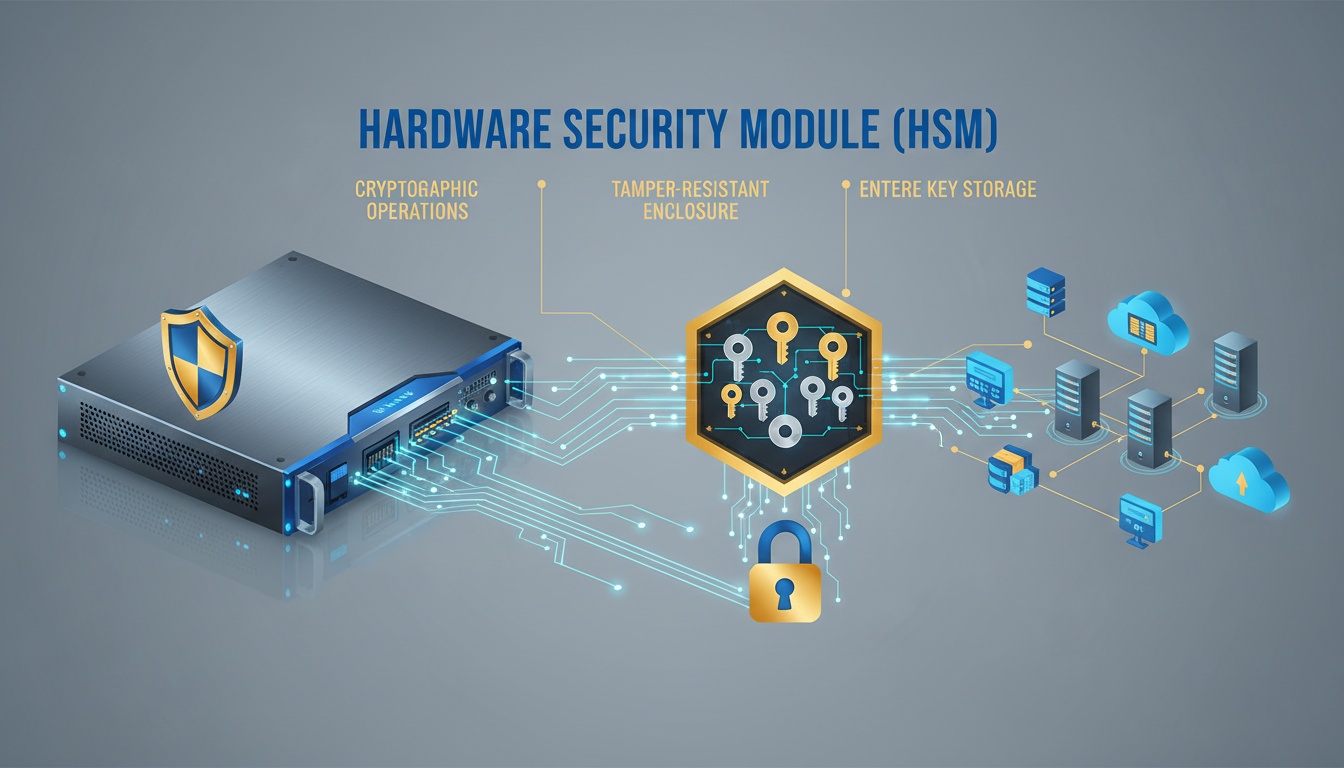
- Use hardware security modules for critical keys
3. Implement Access Controls
- Use certificate restrictions
- Implement host-based restrictions
- Limit key usage to specific commands
- Regular access reviews
4. Monitor and Audit
- Log all authentication attempts
- Monitor for suspicious patterns
- Regular security assessments
- Incident response procedures
5. Centralized Management
- Use SSH key management platforms
- Implement certificate-based authentication
- Automate key lifecycle management
- Maintain key inventory
Configuration Recommendations
Server Configuration
# Disable weak authentication methods
PasswordAuthentication no
PubkeyAuthentication yes
HostbasedAuthentication no

# Enable certificate authentication
TrustedUserCAKeys /etc/ssh/ca.pub
AuthorizedPrincipalsFile /etc/ssh/authorized_principals
Client Configuration
# Use strong key types
HostKeyAlgorithms ssh-ed25519,rsa-sha2-512
PubkeyAcceptedKeyTypes ssh-ed25519,rsa-sha2-512

# Disable weak algorithms
KexAlgorithms curve25519-sha256
Ciphers chacha20-poly1305@openssh.com
Conclusion
Choosing the right SSH authentication method depends on security requirements, operational complexity, and organizational needs. Public key and certificate-based authentication provide the best security for most use cases, while password authentication should be avoided or supplemented with additional factors in production environments.
Need help implementing secure SSH authentication? Contact our security experts for guidance on SSH key management and authentication strategies.