

In today’s fast-paced digital world, DevOps teams are under increasing pressure to deliver software quickly and securely. One critical area of focus is the management of digital certificates and keys. Public Key Infrastructure (PKI) is essential for secure machine-to-machine and application communication. However, managing PKI manually can be complex and error-prone.
This post explores how DevOps teams can automate PKI deployment on demand with QCecuring SSL Certificate Lifecycle Management (CLM) and AWS PrivateCA.
QCecuring SSL Certificate Lifecycle Management
QCecuring SSL CLM is a professional certificate management platform that simplifies automated deployment and lifecycle management of digital certificates and keys. It integrates seamlessly with automation tools like Ansible, enabling DevOps teams to manage certificates across hybrid cloud and on-premises environments.
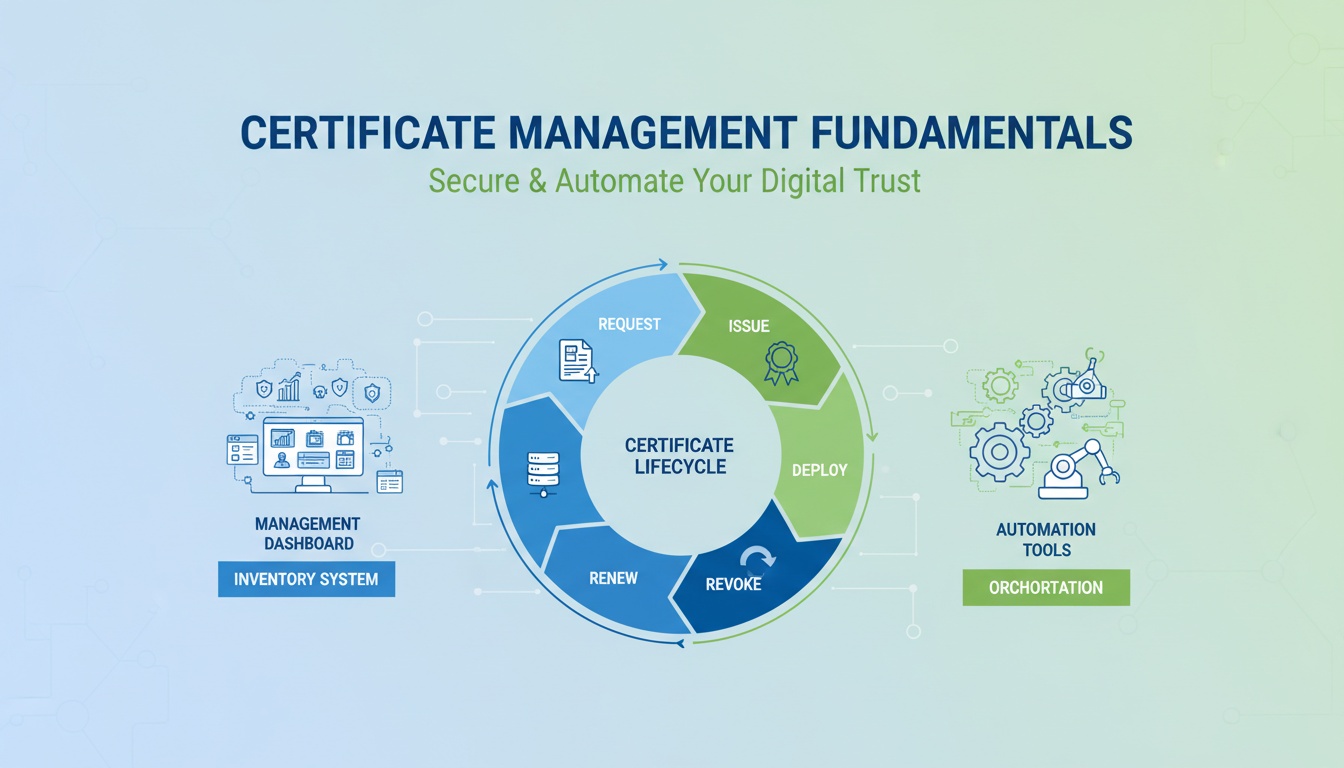
Key capabilities include:
- Automatic CSR generation and approval workflows
- Secure private key storage and encryption
- Automated deployment to applications and endpoints
- Compliance and audit tracking for regulatory frameworks (PCI DSS, ISO 27001, NIST)
AWS PrivateCA
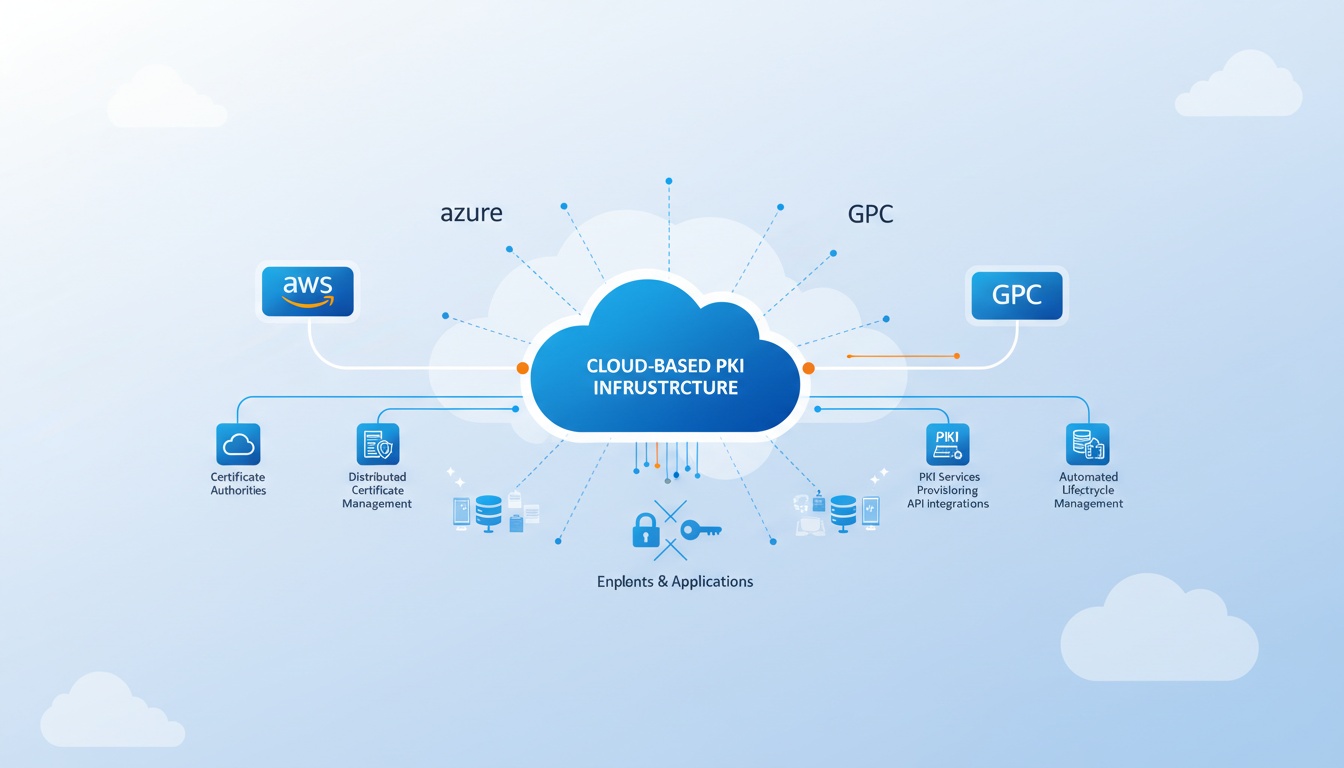
AWS Private Certificate Authority provides a scalable and flexible PKI solution for enterprise environments. It supports:
- RSA and ECC key algorithms
- SHA-2 based signatures
- Automated certificate issuance, renewal, and revocation
- Centralized management with detailed audit and monitoring
Automating PKI Deployment
By integrating QCecuring SSL CLM with AWS PrivateCA, DevOps teams can fully automate PKI workflows, including certificate requests, approvals, issuance, and deployment.
Example Workflow:
- CSR Generation: QCecuring CLM automatically generates a Certificate Signing Request (CSR) as part of an application deployment pipeline.
- Submission & Approval: The CSR is sent to AWS PrivateCA, which validates the request using predefined policies.
- Certificate Issuance: AWS PrivateCA issues the certificate automatically.
- Deployment: QCecuring CLM deploys the certificate and associated keys to the target application or service without manual intervention.
- Monitoring & Renewal: The system continuously monitors certificates, triggers renewals before expiry, and revokes compromised certificates.
# Example: Generate CSR using OpenSSL for DevOps pipeline
openssl req -new -newkey rsa:2048 -nodes -keyout app.key -out app.csr \
  -subj "/CN=app.example.com/O=ExampleCorp/OU=DevOps/C=US"
Benefits of Automating PKI Deployment
Automating PKI deployment with QCecuring SSL CLM and AWS PrivateCA offers several advantages for DevOps teams:
- Faster Deployment: Accelerates application delivery by automating certificate issuance and deployment.
- Enhanced Security: Reduces human error and ensures certificates and keys are securely stored.
- Scalability: Supports large-scale PKI deployments across multiple environments.
- Full Visibility: Provides audit trails and reporting tools for all certificate operations.
- Compliance: Ensures adherence to industry regulations and internal security policies.
Latest Trends & Advancements
Enterprises are adopting new practices to enhance PKI automation and security:
- Zero-Touch PKI: Fully automated certificate distribution for microservices, containers, and serverless environments.
- Post-Quantum Readiness: Exploring quantum-safe algorithms to future-proof PKI deployments.
- Cloud-Native Integration: Integrating PKI into CI/CD pipelines using Jenkins, GitHub Actions, Terraform, and other DevOps tools.
- Hybrid Cloud Management: Centralized CLM enables consistent certificate management across AWS, Azure, GCP, and on-premises infrastructures.
Best Practices for DevOps PKI Automation
- Use strong key algorithms (RSA 2048+ or ECC P-256+).
- Protect private keys with HSMs or encrypted storage.
- Integrate certificate monitoring and alerting for expiring or revoked certificates.
- Automate renewals and revocations to prevent downtime.
- Employ standardized CSR templates to maintain consistency across deployments.
Conclusion
Automating PKI deployment with QCecuring SSL CLM and AWS PrivateCA empowers DevOps teams to:
- Reduce operational overhead
- Accelerate application delivery
- Improve security and compliance
- Gain full visibility into certificate management
By combining automated workflows with modern PKI tools, enterprises can deploy certificates on demand, maintain high-security standards, and effectively manage complex hybrid cloud environments.
Written by QCecuring Team
Empowering enterprises with secure, automated, and compliant PKI solutions.